Description
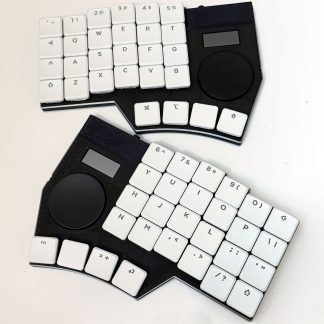
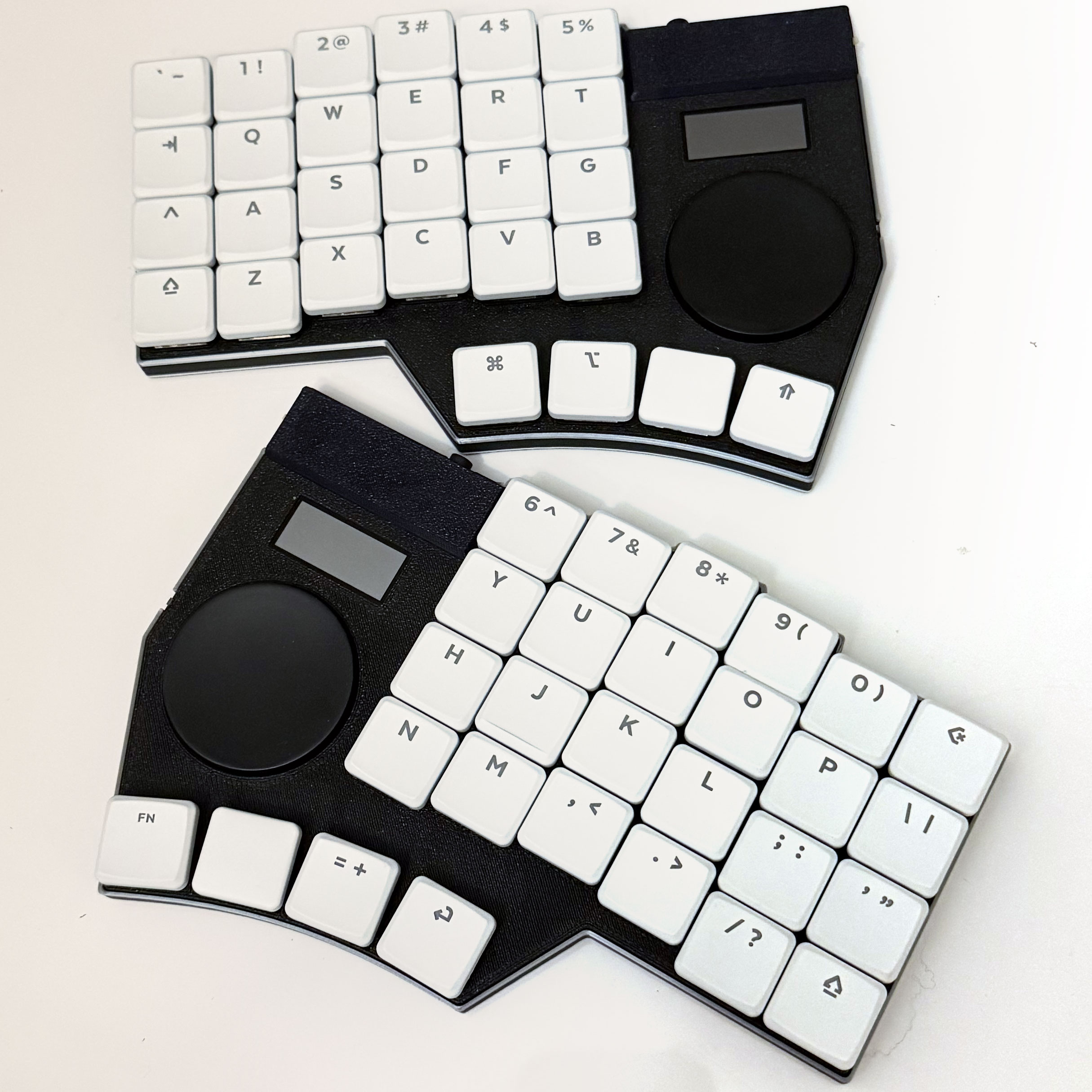
The Jaffle adds an extended keyset and dual trackpads to the Jarne family.
Features
Feature breakdown and device compatibility details here: https://lim.au/#/hardware
What you get:
- Jaffle keyboard with 3D printed shell
- Wireless charging support. The Jaffle does not ship with a wireless charger. A charging dock will be introduced at a later date.
- Infrared Transmitter. The short range IR transmitter is located in the left side of the keyboard.
- There is no IR receiver on the Jaffle; in order to send IR commands you will need to find the appropriate codes yourself. The Javelin web tools can load Flipper .ir files to assist in configuring the IR transmitter.
- Your selected switches and keycaps.
- You may skip selecting these to bring the cost down and bring your own switches and/or keycaps to use with the Jaffle – the Jaffle ships with hotswap sockets – compatible with most Choc v1 and v2 switches. Check the compatibility document for more details.
- For keycaps, we recommend MBK-like spacing. Smaller keycaps will leave gaps between the keys.
- Magnetic tenting sleds that insert into small holes in the back of the case
- A camera mount screw built into the case, so that the halves can be mounted to a tripod setup.
- USB type C to type C cable
- USB type C to A adapter
- TRS cable
- 2 spare Choc switches (only if you include switches in your order)
- All uninstalled keycaps from your chosen keycap set (only Legends set – Dot keycaps will provide no spares)
- Spare rubber feet
Default Keymap
Choose between a QWERTY or Stenography layout – this can later be customised using the Javelin firmware builder tools.
Infrared Transmissions
There is no IR receiver on the Jaffle; in order to send IR commands you will need to find the appropriate codes yourself. The Javelin web tools can load Flipper .ir files to assist in configuring the IR transmitter.
The short range IR transmitter is located in the left side of the keyboard.
Manual
Manual available at lim.au